*Please note - this feature is not enabled for all agencies. If you don't see the "Required Training by Nevvon" menu item in the Alayacare app, you will not be able to access this feature.
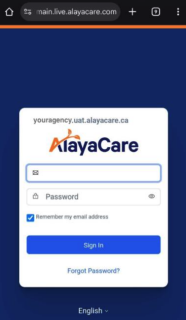
1. Log in to your Alayacare app
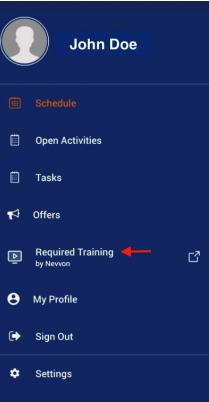
2. Open the menu options and click Required Training by Nevvon
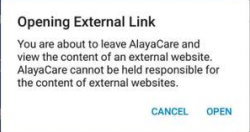
3. Click Open to allow the system to launch Nevvon
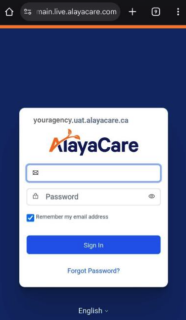
4. Input your Alayacare login details again to confirm
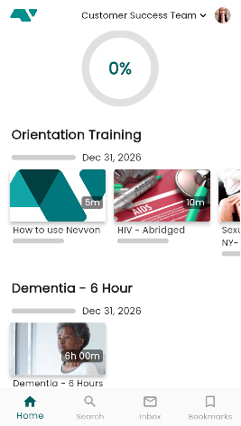
5. Your Nevvon profile should open and show you any assigned training you have